Snivrak is an independent mobile app comparison platform. We may earn a commission when you click through.
Roblox Skin Apps Tested: Which Ones Actually Help
We compared nine Roblox outfit and skin tools, from basic outfit codes to AI creation, with no promises of official Robux.
Quick Picks
Best overall: Skinzy: Skin Maker for Roblox for a straightforward iPad skin editor with a published 3.9 rating from 11 ratings.
Best for creators: Customuse: Skins Maker Roblox for AI-assisted 3D creation and a stated community of more than 2 million designers.
Best for quick outfit ideas: Outfit ID codes for Roblox for browsing clothing, hairstyles, accessories, and faces to enter in-game.
These are companion tools, not official Roblox services. “Robux” claims in third-party apps refer to in-app currency or rewards, not Robux issued by Roblox Corporation. Snivrak has no affiliation with Roblox Corporation, and redemptions or item use depend on developer terms.
Basic Skin Editors: Useful, but Keep Expectations Real
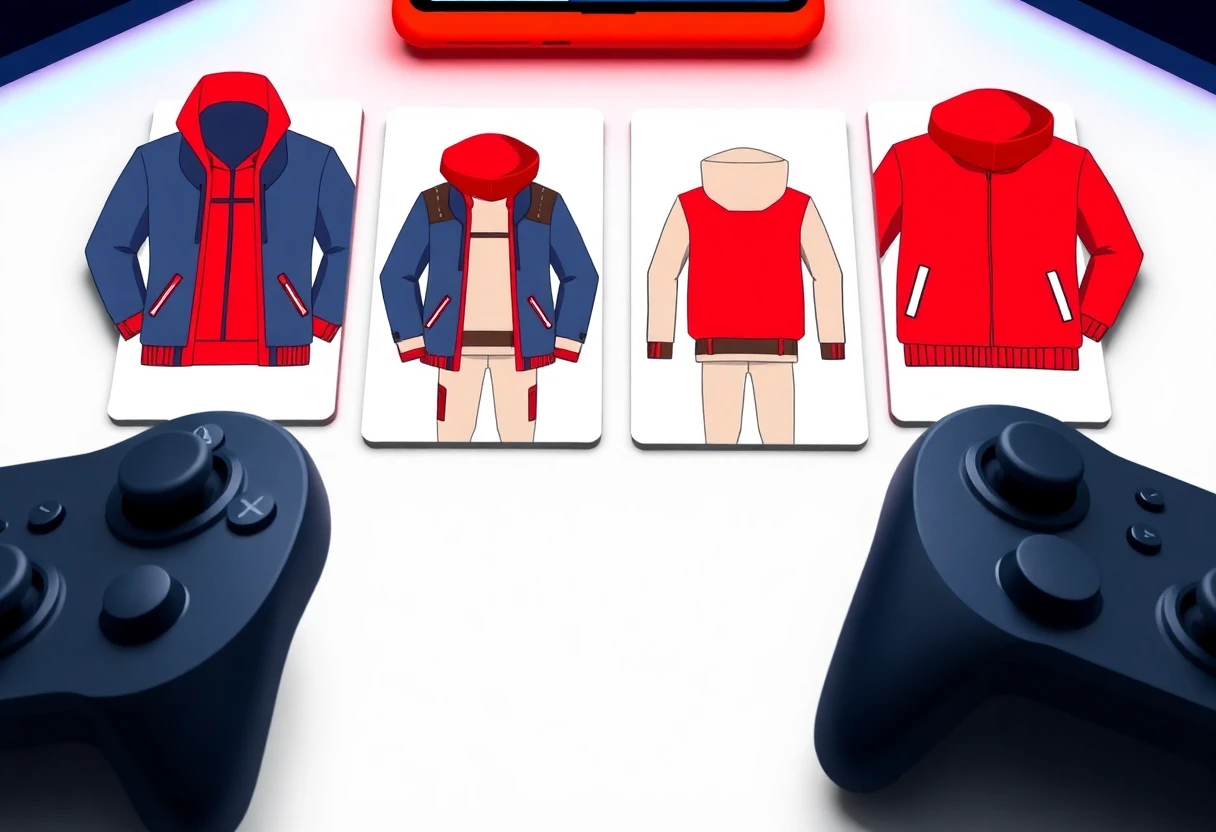
The first group focuses on avatar looks rather than earning Robux. Their descriptions repeatedly promise free outfits, 3D previews, and custom clothing, but the supplied listings do not verify official Roblox inventory access, guaranteed item transfers, or Robux payouts. That distinction matters: a preview inside an app is not the same thing as an item added to your Roblox account.
Clothes Skin
Clothes Skin for Roblox is built around making 3D character looks, with shirts, skirts, shorts, jackets, and other outfit pieces named in its listing. It is Android-only from the supplied Google Play link, and the description explicitly calls it unofficial. I would use it as an outfit ideation tool, not as a Robux generator. The missing details are the problem: no price, rating, app size, permissions, or verified export process are provided. Best for Android players who want to experiment with avatar styling and understand that “free items” may remain inside the companion app.

3D Skins Maker for Roblox
3D Skins Maker for Roblox has a broader visual pitch than the previous app: superhero, anime-inspired, boys’ and girls’ outfits, and a large skin collection. That gives casual outfit hunters more starting points, but the listing still does not confirm official Roblox publishing or account delivery. Compared with Clothes Skin for Roblox, it sounds more catalog-driven than editor-driven. The trade-off is less certainty about what you can actually export. Best for Android users who want to browse many avatar concepts before recreating a look in Roblox.

Roblox Skin & Clothes
Roblox Skin & Clothes closely mirrors the first listing: custom character skins, shirts, skirts, shorts, jackets, and an unofficial status. That similarity is useful for comparison because there is no supplied evidence of a unique feature, rating advantage, price edge, or faster workflow. I would not install both unless their live store pages show clearly different tools or content. Best for Android players who prefer a simple clothing-and-skin catalog and want to test one lightweight-looking concept app at a time.

Clothes and Skins for Roblox
Clothes and Skins For Roblox adds daily activities to the familiar design-and-discovery formula, alongside custom clothes and avatar looks. That extra wording does not prove a reward system, and the listing provides no verified rate, redemption threshold, or official Roblox connection. Compared with Roblox Skin & Clothes, it may offer more than a static catalog, but the available data cannot confirm how much. Best for Android users who enjoy browsing outfit ideas and are willing to check permissions and developer terms before using daily features.

Four Android listings make similar promises, and none supplied a verified Robux payout, official Roblox partnership, or published reward rate. That is the useful finding: treat this cluster as avatar inspiration, not a shortcut to currency.
Apple Users Get One Clearly Documented Listing
Platform support changes the ranking quickly. Most of the basic editors above link to Google Play, while Skinzy has an App Store listing for Hong Kong and a visible rating count. The smaller review sample makes the score informative but not conclusive.
Skinzy Skin Maker for Roblox
Skinzy: Skin Maker for Roblox is the clearest iPad pick in this set because its App Store listing states Free with In-App Purchases, an age rating of 4+, and a 3.9 score from 11 ratings. That is a small sample, so I would not treat 3.9 as a settled quality verdict. The listing also says it is designed for iPad and not verified for macOS. Compared with the Android apps, Skinzy gives you more visible store data, but the paid elements mean “free” does not necessarily mean every editing tool is unlocked. Best for iPad users who want a documented starting point and can live with in-app purchases.

Skinzy is easier to assess because Apple publishes a rating and purchase model in the supplied listing. The Android entries may still be useful, but their missing store data makes side-by-side quality judgments much harder.
Creation Tools for Players Who Want More Control
These apps move beyond browsing outfits. They focus on editing, previewing, generating, or finding a specific look. That makes them more interesting for creators, but also raises the need to verify where the finished asset can be used.
Skinzy
Skinzy: Skin Editor for Roblox lists concrete editing tools: cropping, real-time previews, and a full 3D view of the avatar. That is more specific than the repeated “massive collection” language used by several Android skin catalogs. The listing still does not state a price, rating, export limits, or whether designs become official Roblox assets. Best for Android creators who care about adjusting a design and checking its fit before trying to use it elsewhere.

Customuse
Customuse is the most technically ambitious entry here. Its listing describes text-prompt generation, Roblox and Minecraft skins, a real 3D editor, game-ready assets, and publishing from a phone; it also claims more than 2 million designers. That does not guarantee free publishing, Roblox approval, or a usable in-game item, but it gives Customuse a much clearer creator workflow than the catalog apps. Best for Android users who want to generate and refine original 3D concepts rather than scroll through premade outfits.

Outfit ID Codes
Outfit ID codes for Roblox solves a different problem: speed. The App Store description says it collects clothing, hairstyles, T-shirts, accessories, and faces, then lets players enter codes in-game. That is more immediately practical than designing a skin from scratch, although codes can expire, point to unavailable items, or depend on Roblox’s own rules. Best for iPhone and iPad users who want to test outfit combinations quickly and do not need an editor.

Clothes & Skin
Clothes & Skin for Roblox is another Android catalog-style app, but the supplied page content gives almost no feature detail beyond its title and publisher information. That makes it the weakest documented pick in this comparison. I would place it behind Customuse, Skinzy, and the outfit-code app because those listings explain the workflow more clearly. Best for Android users who want to test a basic skin catalog only after checking the live store page, permissions, and recent reviews.

Customuse wins on documented creation depth, while Outfit ID codes wins on quick experimentation. The two Skinzy listings sit between them: one is easier to evaluate on iPad, the other describes a more hands-on Android editor. The final pick is for players who want the least complicated route to outfit ideas.
The Fastest Route to a New Look
Not every player wants AI generation or detailed editing. Sometimes you just want a usable outfit reference before opening Roblox. That is where code-based browsing has the clearest purpose, though it still cannot promise permanent access to every listed item.
Outfit ID Codes
Outfit ID codes for Roblox is the pick I would open first for a quick weekend style test because its stated workflow is simple: browse a look, copy the code, and enter it in-game. It does not claim to generate Robux, and that restraint is useful. The limitation is freshness; outfit-code apps depend on codes remaining valid and items staying available. Best for mobile players who want fast outfit inspiration, use iOS or iPadOS, and are comfortable checking each code inside Roblox.
Final Verdict
Choose Customuse if you are an Android creator who wants AI prompts, 3D editing, and a more serious asset-building workflow. Pick Skinzy: Skin Maker for Roblox if you use an iPad and want the clearest published store information, while remembering that its 3.9 rating comes from only 11 ratings and that in-app purchases apply.
Choose Outfit ID codes for Roblox if speed matters more than creation. The basic Android skin catalogs are mainly for browsing and visual experimentation; I would not treat any of them as verified Robux apps. No listing supplied evidence of Robux issued by Roblox Corporation, guaranteed redemptions, or an official Roblox partnership. Snivrak is independent and has no affiliation with Roblox Corporation, so check each developer’s current terms before installing or entering account information.


